I’ve been wanting to write about the topic of using a comma before conjunctions like “and” or “or” in your business writing for a while. It’s something that comes up with every website I work on and I’ve learned some of my clients have pretty strong opinions about whether it’s appropriate to add the extra comma or not in their website text.
Ever since I tried to force the use of my extra Oxford comma on my friend Judy’s website (unsuccessfully, I might add), I realized that I would have to be flexible in what I thought was “the rule.” So I did the research and although I used the Oxford comma (that extra comma) in all my years at IBM as a technical writer and still use it today, the Associated Press thinks it’s perfectly ok to drop it. So two punctuation rules and both are right…that’s not something you see very often when it comes to grammar!

Why I like the Oxford (serial) comma
The Oxford comma is the comma used before “and” or “or” in a list of three or more items. I like it because it makes it clear how many items you’re describing. With the Oxford comma in this example, it’s clear that I had a busy weekend with four events:
I was so busy this weekend. I went to two parties, a wedding, and a reunion.
Why the Associated Press doesn’t mind leaving out the final comma
In journalism, the extra comma is regarded as an impediment to a reader’s silent reading of the text. From that perspective, the extra comma slows the reader down. AP Style lets you decide whether an extra comma is needed or not. If it’s needed for clarity, writers are advised to add it. If it’s not needed for clarity, they can omit the last comma.
If I’m omitting the Oxford comma in my writing, this example is unclear about how many events I attended.
I was so busy this weekend. I went to two parties, a wedding and a reunion.
For consistency throughout a website, when adopting this style, I prefer to rewrite a confusing sentence so all lists are clear without the final comma. I would rewrite the sentence to make the number of events clear:
I was so busy this weekend. I went to two parties, as well as a wedding and a reunion.
Which style should you use on your website?
It turns out you can take your pick of rules when using commas in a list. The main thing to remember is that you take your stand and stick with it all the way through your writing of a website, a blog post, or a social media post. Either way is fine, but keep it consistent throughout your writing for readers’ sakes. If you choose the fewer-commas approach, my advice is to rewrite any sentences that could be confusing.

Writing, styling, and placing headings on a website page takes planning and intention. Use readable headings with just one Heading 1 per page and then Heading 2 and 3 as needed to outline the content.

Whether your website is new or has been around a while, decluttering the content to encourage visitors to browse is always a good idea.

Here are my 10 favorite text tips to help you create a modern and professional-looking website on Squarespace or any other website platform.

One of the first decisions you'll make with a new website is the choice of typefaces, especially those used as display accents throughout your site, such as the Site Title and Headings. Your website probably includes typefaces that suit the design template you chose, but if you would prefer another typeface, there are many to choose from.

As you start a blog, first determine the focus of your blog. Then choose topics that are relevant and that are in your area of expertise. Blog posts can contain text, images, videos, links to other blog posts, links to podcasts, and personal or creative endeavors. Each blog post adds content to your website and gives you cumulative client-attracting and SEO benefits.

Before you can choose individual topics to write about in your blog, first define the strategy for your blog as a whole. Knowing who your audience is and what they want to know will be the foundation for the content. It will also help you choose topics that fit the goals of your blog.

Understanding how text blocks work in Squarespace and how they interact with design blocks will help you shape your pages the way you want with indents, margins, columns, and more.

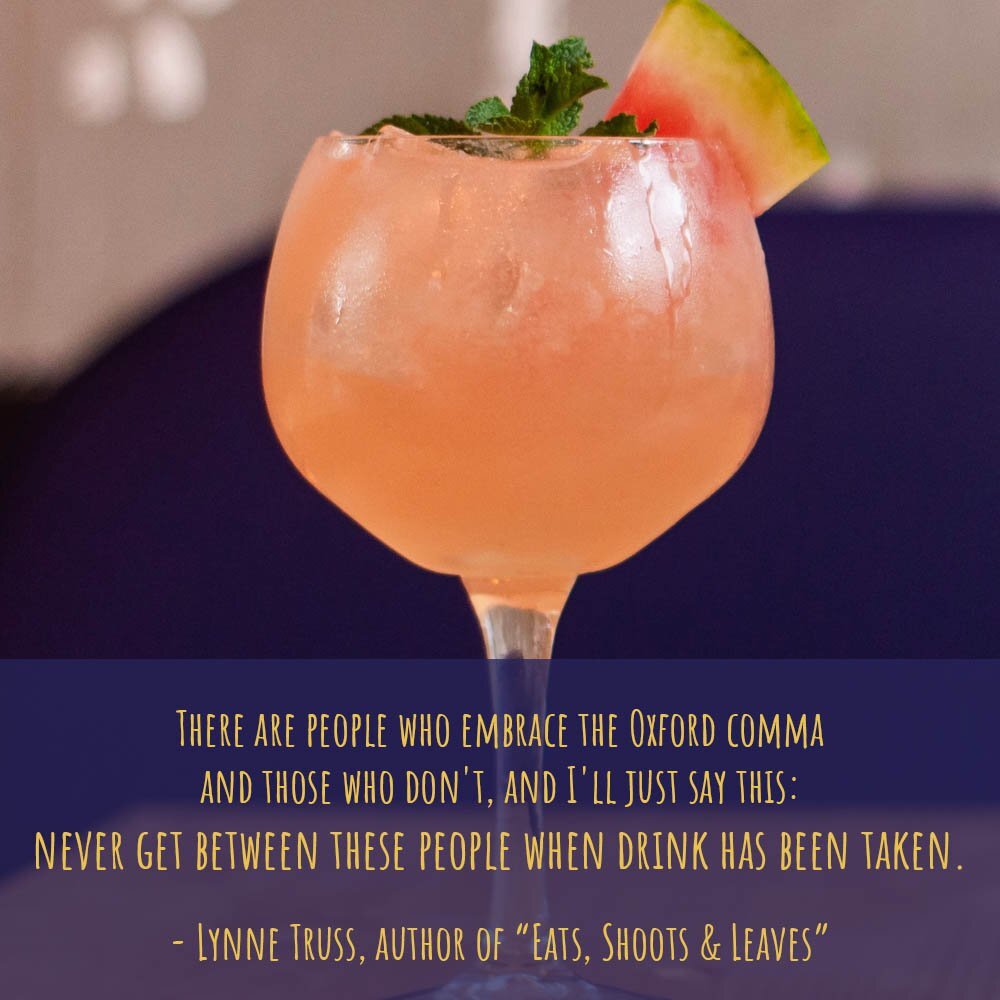
When you were in school, did you learn to put that extra Oxford comma in your lists? The choice is up to you, the style guides tell us, but to help your readers, keep your decision consistent throughout your website, your blog posts, and your social media.

Adding a blog to your website and keeping it updated is a great way to publicize your business. Search engines like Google reward websites that produce fresh content. Employing SEO best practices to add keywords to your blog posts increases the likelihood that potential customers will find you in online searches.

Whether you want to add a little emphasis or a bit of lightheartedness to your website, emojis give you another choice for adding a graphic touch that stands out.

Keep the text on your website looking professional and easy to read by avoiding these text mistakes.

Need to create short lines of text with tighter line spacing between them? There’s one simple trick that you can use on your keyboard to force website text to the next line without creating a new paragraph.

If you add text to your website by copying text from other sources, such as email, word-processing documents, online articles, and social media, it's important to convert the text to plain text before pasting it into your website. Squarespace provides a convenient way to convert copied text to plain text directly from the website editor.

We all make mistakes while we’re typing text on our websites—in sentences, headings, and form fields. There are a few keyboard shortcuts that are handy to know about to remove text quickly. These shortcuts also work for correcting text in social media posts, documents, emails, and other online communications.

If you are starting a blog for your website or adding one to an existing website, it’s helpful to review your choices for your blog page’s design. Most websites, including those on Squarespace, can include a blog.

The steps for redesigning a website are similar to creating a new website. You can save a little time re-using some text and images, but you’ll also write new text, add new images, and possibly change the navigation.

I’ve seen enough misuses of the handy apostrophe lately that I decided to devote a blog post to the dos and don’ts of using apostrophes.